
You found apkek org and you want to know one thing: can you trust it?
Here’s the short answer. It’s a third-party site that mixes APK downloads with tech tips and “earning app” content, and works outside the vetting used by official app stores. That alone tells you how careful you need to be.
This guide covers what the site does, how its downloads work, whether it’s legit, and how to install APK files without wrecking your phone. No hype, no scare tactics. Just the facts and a few habits worth keeping.
Quick Answer: Apkek org
Verdict: Apkek org looks like a working site, not an obvious scam, but it isn’t transparent and it isn’t the safest place to get APK files. Use it to read. Be picky about downloading.
Simple rule: If you can get the app from the Play Store, get it from the Play Store. Use a third-party APK source only when you have no other option, and scan the file first.
Three instant examples:
- Want a review of an app? Fine to read.
- Want a region-locked app? Use a verified APK source and scan it.
- Want a “free premium” version of a paid app? Skip it. That’s where malware and piracy risks live.
Apkek.org: Android Apps, APK Downloads, Reviews & Updates
Think of apkek org as three things in one: a place to find Android APK downloads, a blog with the latest Android apps and tech tips, and a hub of “earn money online” content.
The mix is unusual. Most APK sites only host files. This one also publishes articles about earning apps and general tech.
What Is Apkek.org?
Platform overview
Apkek.org is a third-party website. An APK is the package format Android uses to install apps. Instead of the Play Store, you grab the file from the site and install it yourself.
One detail matters: there is no official Apkek org app, and searches for one lead back to the website. If you see an “Apkek app” somewhere, treat it with suspicion.
Also Read More : Apkek org: Android
Who is it designed for?
Mostly curious Android users, people hunting for older app versions, and readers interested in earning apps. Experienced users who understand sideloading get the most from it. Beginners should be cautious.
What type of content does it publish?
- Android app reviews and features
- Tech news and short guides
- Online earning app recommendations
- APK download pages
How Does Apkek.org Work?
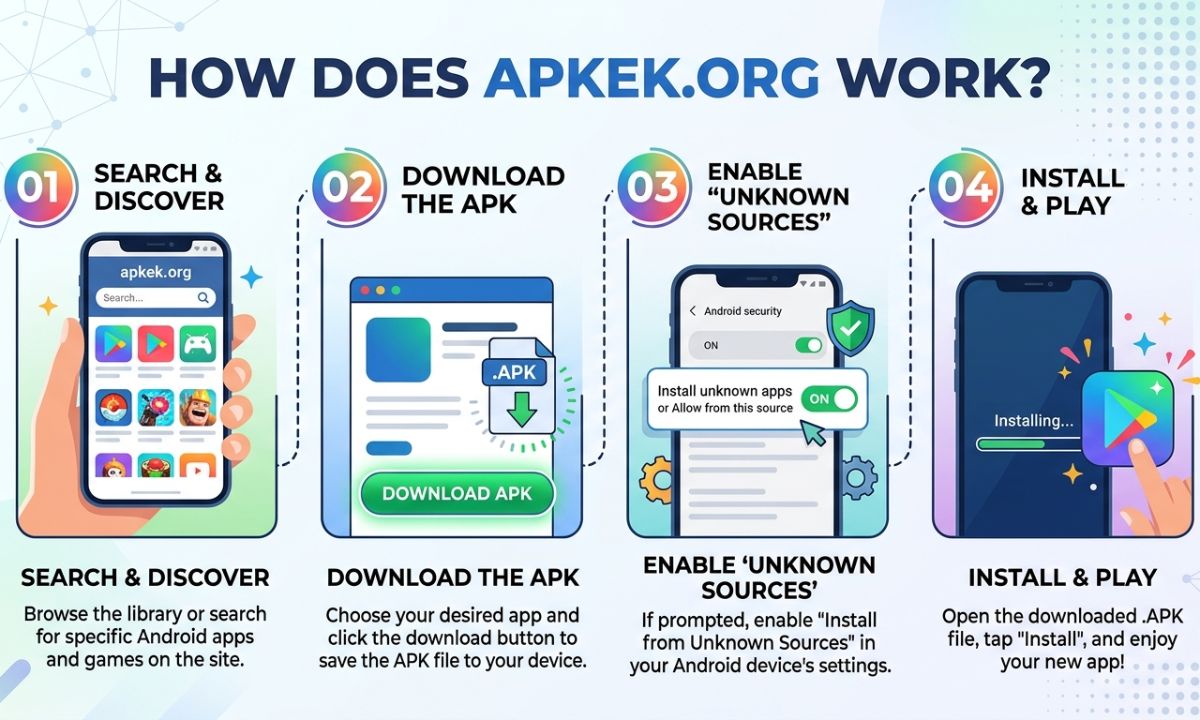
You browse or search the site, find an app, and download the file. Then you install it manually. Updates are manual too, so you need to download the new version from the website yourself.
APK downloads
Pages link to APK files for Android apps. Quality and verification vary, and the site doesn’t clearly explain how files are checked.
Online earning app recommendations
Many posts push apps that promise income from surveys, games or video watching. Some third-party pages quote very specific daily earnings. Treat those numbers as marketing, not proof.
Tech news and reviews
The blog side covers app updates, short reviews and tips. Posts appear regularly, but the content leans on SEO keywords.
Key Features of Apkek.org
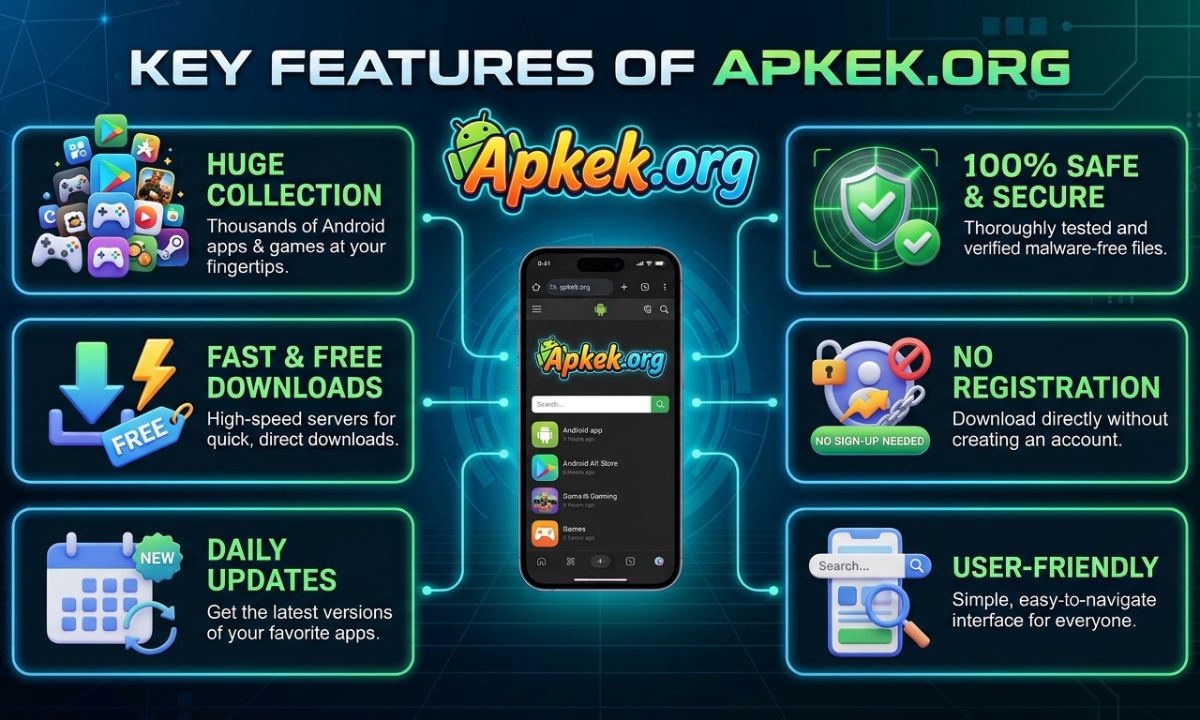
APK resources
Free downloads, older versions of apps, and access to apps that aren’t available in every country.
App recommendations
Curated lists of popular and new apps with short descriptions.
Online earning content
Guides to reward apps and side-income ideas. Read them with a skeptical eye.
Website navigation
The site needs no login. Browsing and reading is open to everyone, and if any page asks you to sign in to download, leave.
| Feature | What You Get | Watch Out For |
| APK files | Free downloads, older versions | Unverified sources |
| App reviews | Quick overviews | Thin, SEO-driven text |
| Earning guides | Ideas for reward apps | Inflated income claims |
| Tech tips | Beginner-friendly articles | Little original testing |
Is Apkek.org Safe?
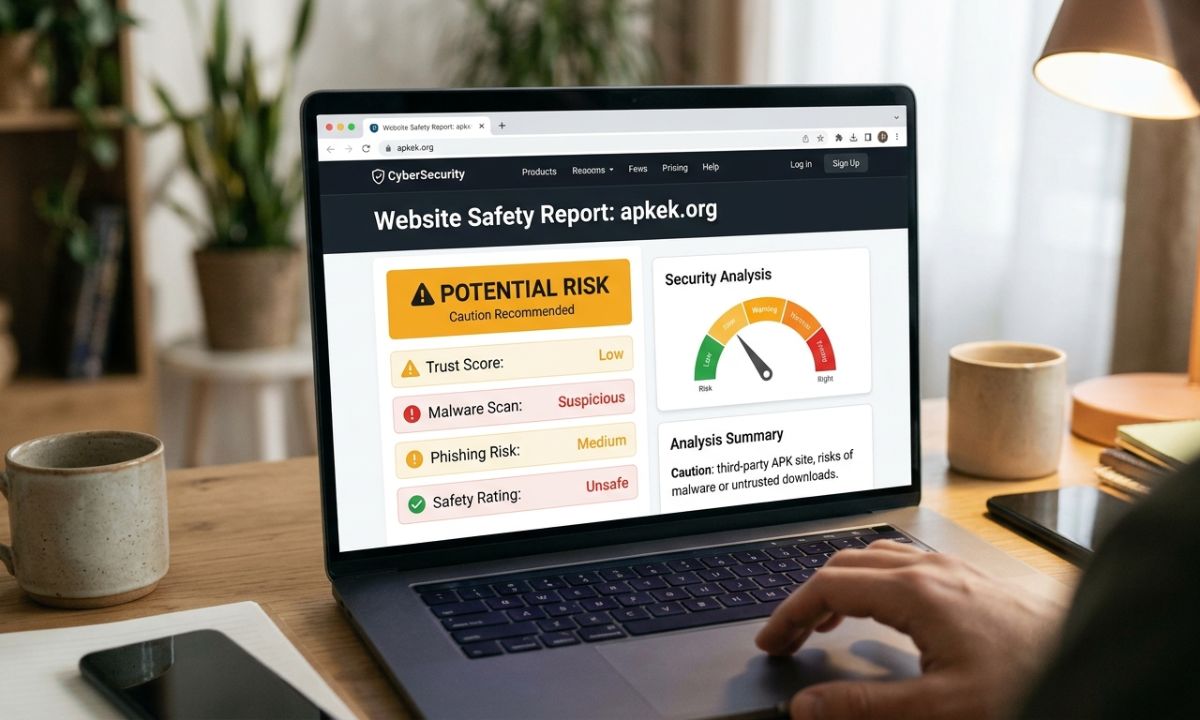
Short answer: it’s not proven safe. Here’s the breakdown.
Website security
An automated reputation checker gave the site a trust score of 67 out of 100 and a “Trusted but Verify” label. That’s decent, not great. The same report says the domain was registered recently.
HTTPS and SSL
Check for the padlock icon and https:// in your browser before you do anything. Encryption only protects the connection, though. It says nothing about whether the files are clean.
APK download safety
This is the real risk. APK files from third-party sources can carry malware or modified code. A reputable site proves files are untouched. Apkek.org doesn’t clearly explain its verification process.
Google Play Protect compatibility
Play Protect can scan apps installed from outside the Play Store and warn you about harmful ones. Keep it on. It’s a safety net, not a guarantee.
Privacy considerations
Modified apps can ask for permissions they don’t need. Never give an APK access to contacts, SMS or accessibility settings unless the app clearly requires it.
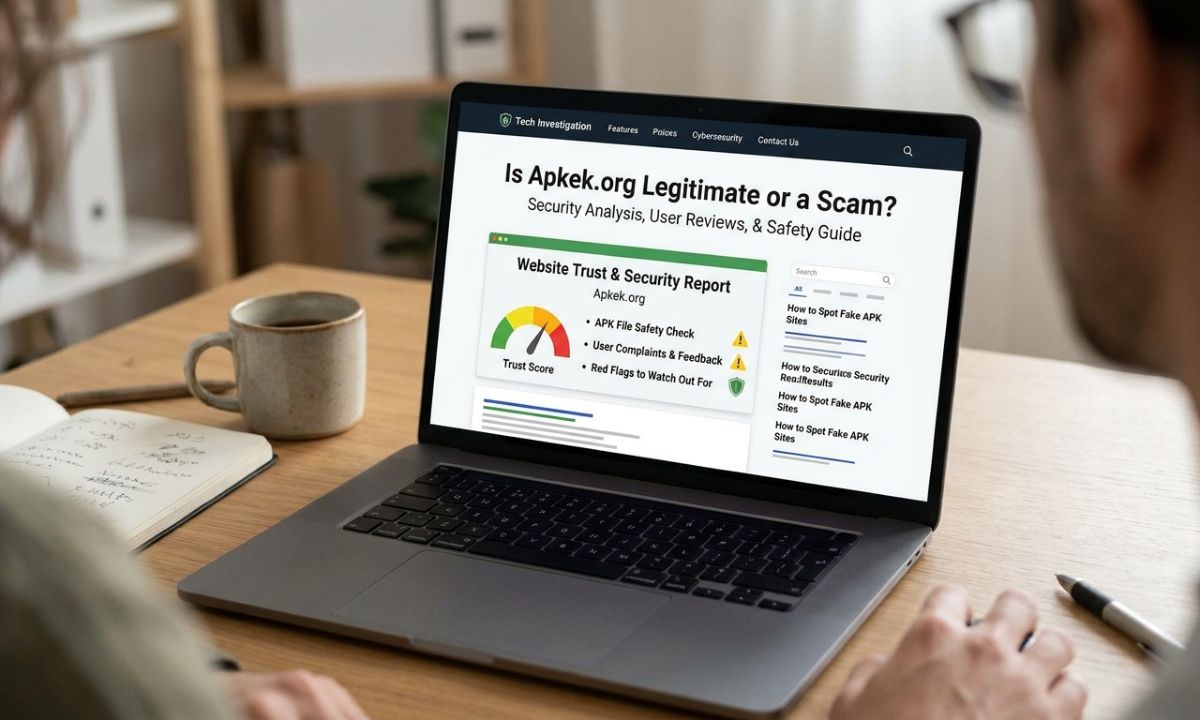
Is Apkek.org Legitimate or a Scam?
Ownership transparency
This is the weak spot. An independent review noted that the site doesn’t clearly show ownership, author identities or editorial guidelines, and that domain registration details are privacy-protected.
Trust signals
- Site is online and updated. A 2026 review reported it was still active as of April 2026 with no hacks or shutdowns reported.
- Runs on WordPress and uses standard SEO and ad tools.
- No login required.
Red flags to watch for
- No named team or contact details
- Heavy ads
- Big income promises with no proof
- Pages asking for sign-ins or personal data
User feedback and reputation
Reviews are mixed. Complaints focus on ads and unproven claims. Also be aware that many “reviews” online are near-copies on free blog platforms, and some are glowing without evidence. Don’t count five copies as five opinions.
Verdict: not a confirmed scam, but a low-transparency site. Use caution.
Pros and Cons of Apkek.org
| Pros | Cons |
| Free to browse, no login | Owner and editors not clearly shown |
| Wide mix of apps and tips | File verification unclear |
| Older app versions available | Heavy ads reported |
| Useful for region-locked apps | Manual updates only |
| Beginner-friendly writing | Earning claims unproven |
How to Safely Download APK Files
1. Verify the source
Prefer sources that publish developer signatures or file hashes. If you can’t tell who runs the site, don’t download from it.
2. Check app permissions
Before installing, ask: does a flashlight app really need your contacts? If not, stop.
3. Scan files for malware
Upload the APK to a multi-engine scanner before you open it. It takes a minute and catches a lot.
4. Enable Play Protect
Open the Play Store, tap your profile, go to Play Protect and make sure scanning is on.
5. Keep Android updated
Security patches close holes that malicious apps try to use. Install system updates as soon as they arrive.
Apkek.org vs Other APK Websites
1. Apkek.org vs APKMirror
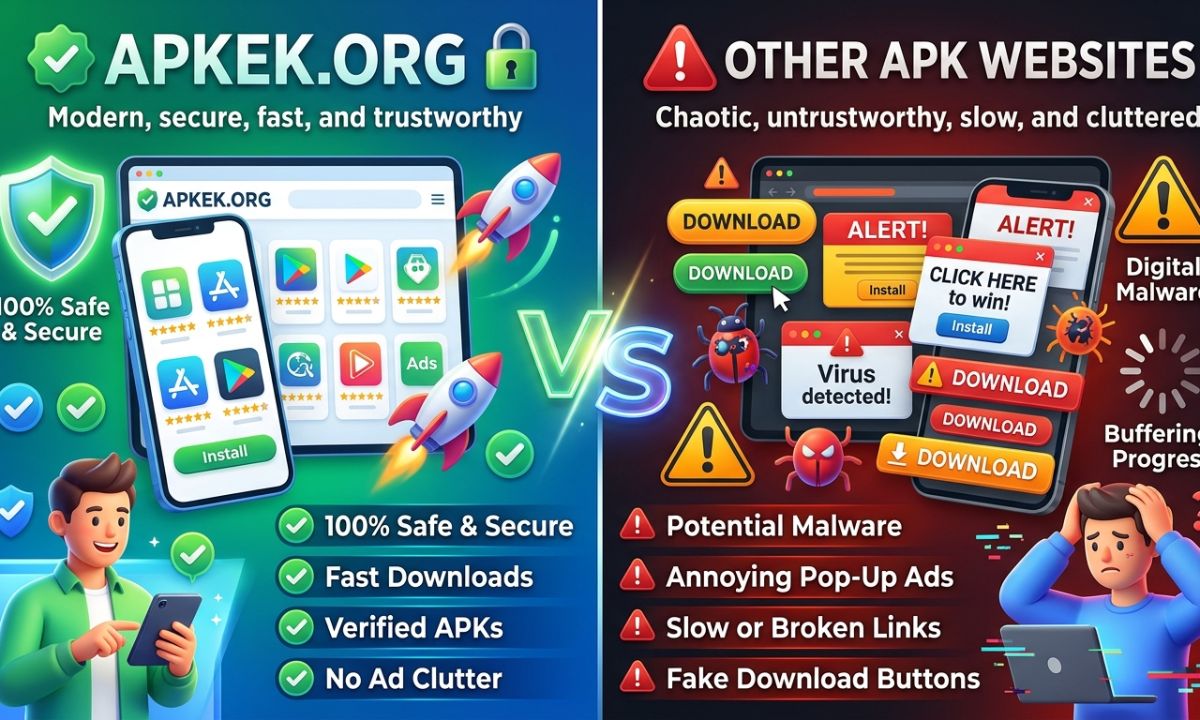
APKMirror is known for checking that files match the original developer’s signature. Apkek.org doesn’t make that clear. Edge: APKMirror.
2. Apkek.org vs APKPure
APKPure is larger and better known. It has also had security trouble: in 2021, researchers found malware in one version of its Android app. Neither is risk-free.
3. Apkek.org vs Uptodown
Uptodown is a long-running download platform with a clearer public presence. Edge: Uptodown on transparency.
4. Apkek.org vs Google Play Store
The Play Store has strong security checks, automatic updates and developer accountability, which APK sites lack. Edge: Play Store, easily.
| Source | Transparency | Update Method | Overall Trust |
| Google Play Store | High | Automatic | Highest |
| APKMirror | High | Manual | High |
| Uptodown | Medium to high | Manual | Medium to high |
| APKPure | Medium | Manual | Medium |
| Apkek.org | Low | Manual | Low to medium |
Common Risks of Downloading APK Files
| Risk | What Happens | How to Reduce It |
| Malware | Hidden code steals data or shows ads | Scan every file |
| Modified apps | Extra permissions, tracking | Check permissions |
| Outdated versions | Known security holes stay open | Download current versions |
| Copyright problems | Pirated or cracked apps | Avoid “free premium” mods |
| Fake sign-ins | Phishing forms | Never log in to download |
Legality matters too. Many APK files are legally distributed, but some may violate copyright laws or developer agreements.
Tips for Staying Safe When Installing APKs
- Turn “unknown sources” back off after you install.
- Use a separate email for anything you try from earning apps.
- Skip cracked or modded apps.
- Check the file size. A tiny file for a big app is a red flag.
- Back up your phone before testing anything new.
- Uninstall fast if the app acts oddly or floods you with ads.
Best Alternatives to Apkek.org
| Alternative | Best For | Trust Level |
| Google Play Store | Everyday apps | Highest |
| APKMirror | Verified APKs, older versions | High |
| F-Droid | Open-source apps | High |
| Uptodown | Broad catalog | Medium to high |
| Developer’s own website | Beta and direct releases | High |
Real-Life Situations Where This Matters
- An app is blocked in your country. A verified APK may be the only option. Scan it first.
- A new update broke your favorite app. You want the old version, so pick a source that proves the file is genuine.
- You saw an “earn $50 a day” app. Read independent reviews before you install anything.
- A friend sent you an APK on WhatsApp. Don’t install it until you’ve checked the source.
Common Mistakes & Misconceptions
- Believing “safe” because it loads fast. Speed says nothing about file safety. Fix: scan every APK.
- Trusting glowing reviews. Many are copies. Fix: look for named authors and real testing.
- Leaving unknown sources on. Fix: switch it off after installing.
- Expecting easy income. Earning apps rarely pay what the ads suggest. Fix: test small and never pay to “unlock” earnings.
- Ignoring permissions. Fix: deny anything unrelated to the app’s job.
- Forgetting updates are manual. Fix: check for new versions regularly, or use the Play Store when you can.
Why People Search “apkek org”
The real intent: “Is this site safe, and can I download from it?”
Most people want a quick yes or no. Others want to know whether it has an app, whether it works in their country, or why the site won’t load. If it’s not loading, try another network or an incognito window first.
Handy habits: scan files, check permissions, and stick to sources with named owners.
Also Read More : Apkek org: Android
FAQs
Is apkek org safe to use?
It isn’t proven safe. Browsing is generally low risk, but downloading APK files carries real malware and privacy risks. Scan files and check permissions first.
Does apkek org have an official app?
No official app appears to exist. Searches for one lead back to the website, so avoid any “Apkek app” from another source.
Can I make money with apps from apkek org?
Some posts promote reward apps, but income claims are mostly unproven. Treat any promise of fast, easy money as marketing and never pay to unlock earnings.
Is apkek org legal?
APK sites aren’t illegal in themselves, but some files may break copyright or developer terms. Avoid cracked or “premium unlocked” apps.
What are safer alternatives to apkek org?
The Google Play Store is the safest. APKMirror and F-Droid are popular options for verified APKs and open-source apps.
Conclusion
Apkek org is a working but opaque APK and tech-content site. It offers Android app reviews, APK downloads and earning-app guides, yet doesn’t clearly show who runs it or how files are checked.
Use it for reading, not as your main download source. Prefer the Play Store or verified alternatives, scan every APK, and keep Play Protect on. Apkek org can be useful if you stay careful.
1 thought on “Apkek org: Android APK Downloads, Reviews & Safety Check (2026)”